
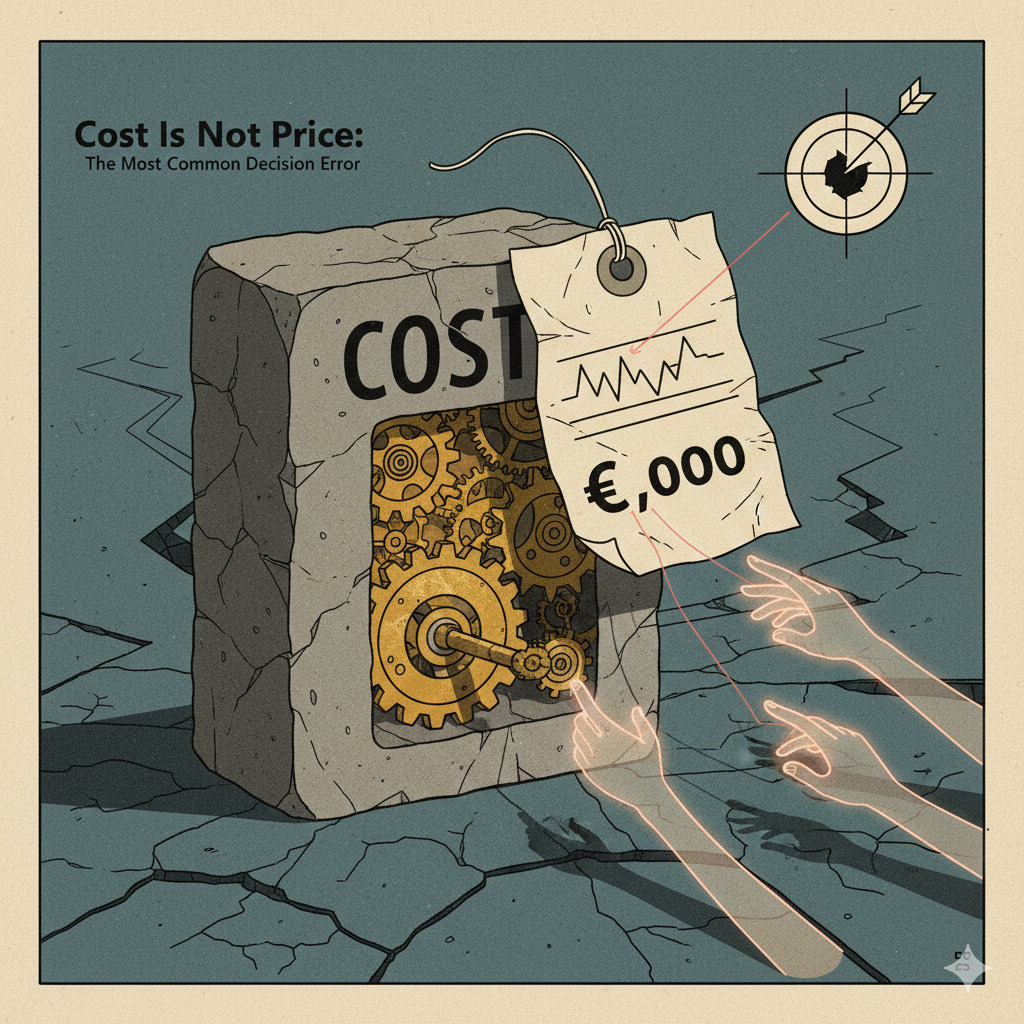
Most people choose productivity tools based on their price tag. But the real cost isn’t the $0 or $10/month you pay—it’s the hours you’ll spend learning, configuring, and maintaining the system over months or years.
What Is the Difference Between Purchase Price and Time Cost?
Purchase price is the one-time or monthly fee you pay to access a tool. It’s visible, immediate, and easy to compare across options.
Time cost is the total hours you’ll invest throughout the tool’s lifecycle: initial setup, learning curve, daily friction, troubleshooting, maintenance, and eventual migration when you switch away.
Core Principle: “Purchase price is what you pay once. Time cost is what you spend every week for months.”
Why This Distinction Matters in 2026
The productivity tool landscape has exploded with “free” and “freemium” options. Notion, Obsidian, Logseq, Roam, Capacities, and dozens of others compete on feature lists and pricing tiers—but rarely on setup complexity or learning investment required.
A tool with a $0 price tag that demands 40 hours of initial configuration, 10 hours to learn its query language, and 2 hours/week of maintenance isn’t free. It costs 100+ hours in the first year alone.
Why Confusing Time Cost With Price Tag Is the Most Common Error
This mistake stems from three cognitive biases that make upfront monetary cost far more salient than diffuse time investment over weeks and months.
1. Availability Bias: Price Is Visible, Time Cost Is Hidden
When evaluating tools, you see the pricing page immediately. The $0, $8/month, or $15/month is front-and-center in 48px font on every homepage.
What you don’t see:
- Documentation quality (affects learning time by 3-5x)
- Onboarding flow design (good flows save 10-15 hours)
- Plugin ecosystem stability (breaking changes cost hours of rework)
- Export/migration options (switching away may cost 20-40 hours)
- Community support responsiveness (slow answers = wasted debugging time)
These variables determine your actual cost but are invisible during initial evaluation.
2. Present Bias: Now Matters More Than Later
Paying $10 today feels more significant than spending 3 hours/week for the next 6 months (78 hours total). Your brain discounts future time investment heavily, making immediate monetary cost loom larger than long-term time drain.
This is why people choose feature-rich tools with steep learning curves over simpler alternatives—the complexity cost is deferred, so it doesn’t register emotionally during decision-making.
3. Sunk Cost Fallacy: Once You’ve Invested Time, You’re Locked In
After spending 20 hours customizing a note-taking system, the idea of switching to a different tool means “wasting” that investment. So you continue using a suboptimal system to avoid admitting the initial choice was wrong.
The irony: by the time you realize a tool’s time cost is unsustainable, you’ve already invested enough hours that switching feels even more expensive.
Real-World Examples: Time Cost vs. Purchase Price
Case 1: Obsidian vs. Apple Notes
Both tools have the same purchase price ($0), but radically different time costs. If your note-taking needs are basic, choosing Obsidian means investing 40-50 hours for features you won’t use.
Case 2: Notion vs. Google Docs for Team Collaboration
Notion: Powerful database views, relation properties, advanced templates. Setup time for a team wiki: 15-20 hours. Onboarding new team members: 2-3 hours each. Monthly template maintenance: 1-2 hours.
Google Docs: Basic folders and docs. Setup time: 30 minutes. Onboarding: 5 minutes (everyone already knows Google Docs). Maintenance: near-zero.
If your team needs complex databases, Notion’s time investment pays off. If you’re just sharing meeting notes and project updates, Notion’s 20+ hour setup cost buys you nothing.
Case 3: VS Code vs. Sublime Text for Casual Scripting
VS Code: Free, feature-rich, massive extension ecosystem. Time cost: 5-8 hours configuring extensions, learning keybindings, troubleshooting performance issues.
Sublime Text: $99 one-time license, works instantly out-of-box. Time cost: 30 minutes learning 5 essential shortcuts.
For a developer writing code 8 hours/day, VS Code’s setup investment is trivial. For someone who opens a text editor twice a month to edit config files, paying $99 to save 6-8 hours makes perfect sense.
When Does It Make Sense to Choose the “Expensive” (High Time-Cost) Option?
Not all high time-cost tools are bad choices. The question is whether the time investment produces proportional returns.
High Time Cost Is Justified When:
- Daily usage is high: If you use a tool 2+ hours/day, spending 40 hours learning it amortizes to less than 1 month of productivity gains
- Features unlock new workflows: Obsidian’s graph view and backlinking enable “thinking tools” impossible in linear note apps
- The system scales with you: Investing time in a tool that grows with your needs prevents future migration costs
- Skills transfer across contexts: Learning Vim or Emacs has 20+ year durability; time invested compounds indefinitely
High Time Cost Is Wasteful When:
- Usage is occasional: Spending 10 hours learning a tool you’ll use once a month
- Simpler tools suffice: Building a complex Notion database when a spreadsheet works fine
- Requirements may change: Heavy customization in a tool you might abandon in 6 months
- The learning doesn’t transfer: Tool-specific workflows that become obsolete if you switch platforms
How to Evaluate Time Cost Before Committing
1. Time-Box Initial Exploration (2-Hour Rule)
Spend maximum 2 hours exploring a new tool before deciding whether to commit. If you can’t get basic functionality working in 2 hours, that’s signal about long-term friction.
Tools with good onboarding let you be productive within 30-60 minutes. Tools requiring 5+ hours to understand core concepts will have ongoing complexity tax.
2. Check Documentation Quality
Good docs = low time cost. Bad docs = endless troubleshooting.
Green flags:
- Searchable knowledge base with examples
- Video walkthroughs for common workflows
- Active community forum with fast response times
- Official templates/starter kits
Red flags:
- Scattered documentation across Reddit, Discord, and personal blogs
- Last updated 2+ years ago
- No official examples, only “read the source code”
- Community questions go unanswered for days
3. Audit Your Current Tools for Hidden Time Costs
Track how much time you spend on:
- Configuration drift: Re-setting preferences after updates
- Plugin management: Updating, debugging conflicts, finding replacements for deprecated extensions
- Workarounds: Manual steps to compensate for missing features
- Troubleshooting: Fixing broken sync, searching for error messages, reinstalling
If you’re spending 1+ hour/week maintaining a tool, that’s 50+ hours/year of time cost. Switching to a more reliable (even if slightly more expensive) alternative could save hundreds of hours over 2-3 years.
4. Factor in Migration Cost Early
Ask before committing: “How hard would it be to leave this tool in 12 months?”
Tools with low migration costs:
- Standard file formats (Markdown, plain text, CSV)
- Export APIs with full data access
- No proprietary lock-in (databases, templates, automations)
Tools with high migration costs:
- Proprietary formats (Notion databases, Roam’s outliner structure)
- No export functionality or lossy exports
- Heavy investment in tool-specific workflows
A tool with low migration cost lets you experiment cheaply. High migration cost means you’re locked in after 3-6 months of use.
The Framework: Time Cost vs. Usage Frequency Matrix
Common Patterns That Reveal Time Cost Blindness
Pattern 1: “I’ll Learn It Properly Later”
You install a complex tool, intending to “explore advanced features when you have time.” Months pass. You’re still using 5% of functionality but dealing with 100% of the complexity.
The trap: High time cost paid upfront (setup, updates, troubleshooting) without ever capturing the benefits (advanced features you never learn).
Pattern 2: “Everyone Uses This, So I Should Too”
Your Twitter feed is full of people evangelizing Obsidian, Roam, or Logseq. You assume you’re missing out and invest 20 hours building a “second brain.”
The trap: Those evangelists are daily users writing thousands of notes. If you take 10 notes/month, their workflows don’t transfer. You’ve paid their time cost without matching their usage pattern.
Pattern 3: “It’s Free, So Why Not Try It?”
You download every “free” productivity tool that hits Product Hunt. Each requires 2-5 hours to evaluate meaningfully. After a month, you’ve spent 30 hours experimenting and settled back on your original setup.
The trap: Treating time as if it has zero cost because monetary price is $0. Those 30 hours could have been spent actually being productive instead of perpetually optimizing.
Key Takeaways
- Purchase price is what you pay once. Time cost is what you spend weekly for months or years.
- Free tools aren’t free if they require 40 hours of setup and ongoing maintenance.
- High time cost is justified when daily usage amortizes the learning investment within weeks.
- High time cost is wasteful when usage is occasional and simpler alternatives exist.
- Evaluate migration cost early to avoid lock-in that makes switching prohibitively expensive later.
- Time-box exploration to 2 hours before committing to avoid sunk cost fallacy.
Final thought: The best productivity tool isn’t the one with the most features or the lowest price. It’s the one where time cost matches your usage pattern—simple enough to use without friction, powerful enough to grow with you, and portable enough to leave if needed.
This analysis focuses on time investment and workflow design for productivity tools. For decisions involving financial planning, business strategy, or major purchases, consult licensed professionals. See our Disclaimer for content scope.
Analysis by 
Decision science researcher focusing on second-order effects and the time-based economics of technology. Expert in workflow optimization and cognitive load management.